The Best Square Alternatives for Farmers Market Vendors in 2026
Tired of Square's fees? Compare the best Square alternatives built for farmers market vendors, food trucks, and farm stands in 2026

Andrew Lund
Misto Co-founder
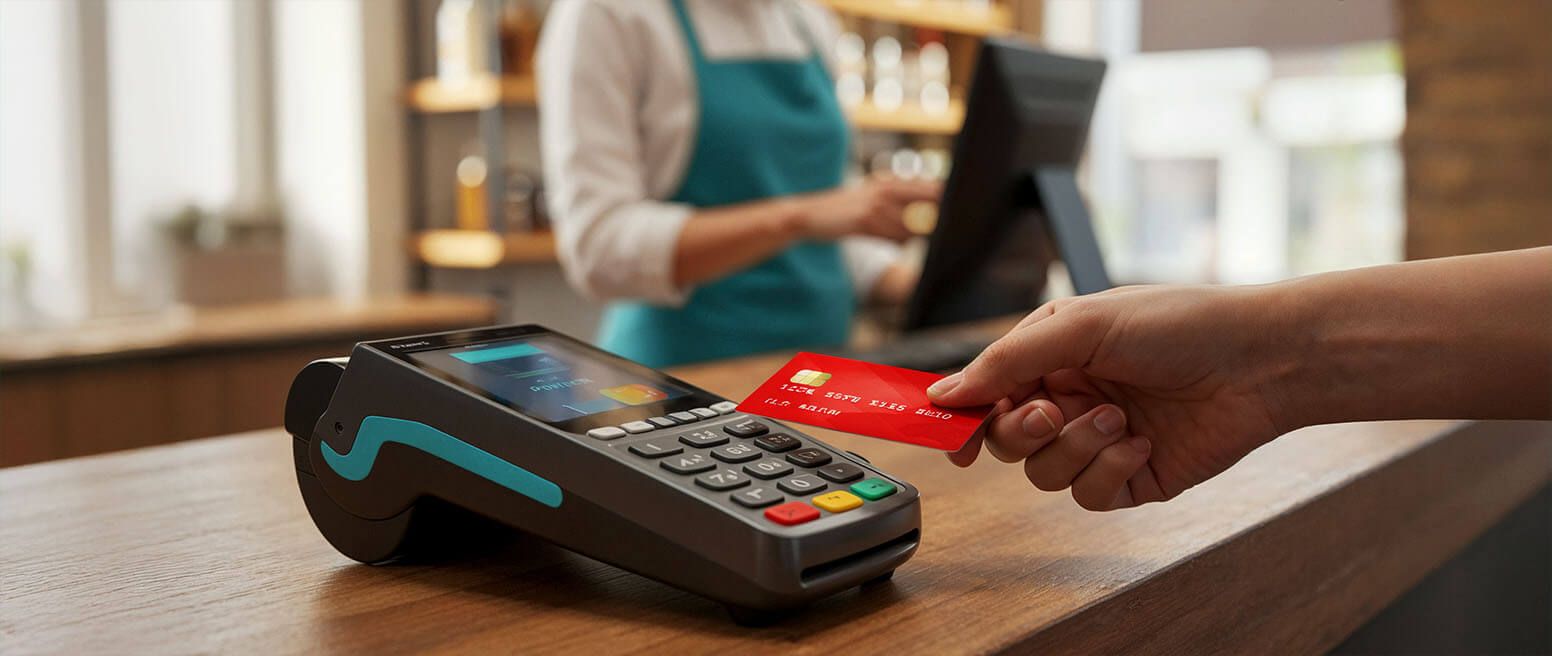
If you’re a farmers market vendor, food truck operator, or farm stand owner, chances are you’ve used Square at some point. It’s been the default choice for years—easy to set up, widely recognized, and works right out of the box.
But here’s the thing: Square wasn’t built with market vendors in mind.
After running a food truck for the past year and talking to dozens of other vendors, I kept hearing the same frustrations. High transaction fees eating into already thin margins. Payment tracking that’s a nightmare when you’re juggling cash, Venmo, and card payments across multiple markets. Reports that don’t actually tell you which events are profitable.
If you’re nodding along, you’re not alone. Let’s look at the real alternatives that are actually built for how market vendors work.
Why Vendors Are Looking Beyond Square
Before we dive into alternatives, let’s talk about why so many vendors are exploring other options:
1. Transaction Fees Add Up Fast
Square charges 2.6% + $0.10 per transaction for tap/dip/swipe. That might not sound like much, but on a $1,000 market day, you’re paying $26 in fees. Over a year of weekly markets? That’s over $1,300 just in processing fees.
2. Venmo and Cash App Tracking is Manual
Most customers at farmers markets prefer Venmo or Cash App. Square doesn’t integrate with these, so you’re stuck manually tracking payments, screenshotting transactions, and hoping you didn’t miss any.
3. Reports Aren’t Event-Based
As a market vendor, you don’t care about your sales by day of the week. You care about sales by event. Which markets are profitable? How does Saturday’s farmers market compare to Wednesday’s downtown market? Square’s reporting doesn’t think this way.
4. You’re Paying for Features You Don’t Need
Full-service restaurant POS? Delivery integrations? Loyalty programs? Most market vendors don’t need these, but you’re paying for the complexity anyway.
The Best Square Alternatives for Market Vendors
1. Misto (Best for Market-Specific Features)
What it is: A POS built specifically for farmers market vendors, food trucks, and farm stands.
Why vendors like it:
Actually tracks Venmo and Cash App payments in one place (no more screenshots)
Event-based reporting so you can see which markets are profitable
Mobile-first design (no bulky hardware required)
Built by a food truck owner who got frustrated with Square
Best for: Vendors who work multiple markets and need to track digital payments beyond just card processing
Try it: getmisto.com
2. SumUp
What it is: A European POS system that’s gaining traction in the US for small businesses and mobile sellers.
Pricing: 2.65% + $0.15 per transaction (slightly higher than Square)
Why vendors like it:
Simple, straightforward interface
No monthly fees
Decent offline mode
Works internationally if you vend at cross-border markets
The catch: Still doesn’t help with Venmo/Cash App tracking, and reporting is basic. Not market-vendor-specific.
Best for: International vendors or those who want something simple and slightly different from Square
3. PayPal Zettle
What it is: PayPal’s answer to Square, formerly called iZettle.
Pricing: 2.29% + $0.09 per transaction (slightly better than Square)
Why vendors like it:
Integrates directly with PayPal (if you already use it)
Lower fees than Square
Familiar PayPal ecosystem
The catch: Still not built for event-based selling. If customers pay via PayPal Friends & Family to avoid fees (common at markets), it won’t track in your POS.
Best for: Vendors already using PayPal for their business
4. Clover Go
What it is: A mobile POS from Clover, designed for on-the-go businesses.
Pricing: 2.6% + $0.10 per transaction, plus monthly software fees ($9.95-$14.95)
Why vendors like it:
Robust inventory management
Can handle complex product variations
Good for vendors selling lots of SKUs
The catch: Monthly fees add up. Not designed for market vendors specifically. Overkill if you have a simple product line.
Best for: Vendors with 50+ products who need serious inventory management
5. Stripe Terminal (For Tech-Savvy Vendors)
What it is: Stripe’s in-person payment solution, requires more setup than others.
Pricing: 2.7% + $0.05 per transaction (hardware costs extra)
Why vendors like it:
Very customizable if you can code
Lower per-transaction fee
Powerful backend if you build your own system
The catch: Requires technical knowledge. Not a plug-and-play solution. You’ll need to build your own checkout flow.
Best for: Tech-savvy vendors who want full control and are willing to build custom solutions
What Actually Matters When Choosing a POS
Based on conversations with dozens of market vendors, here’s what actually matters:
1. Total Cost, Not Just Transaction Fees
Look at:
Per-transaction fees
Monthly software costs
Hardware costs
Hidden fees (chargebacks, instant deposits, etc.)
A system with slightly higher transaction fees but no monthly fee might actually be cheaper if you only vend 2-3 times per month.
2. Payment Method Flexibility
Your customers want to pay how they want to pay:
Credit/debit cards
Tap to pay (Apple Pay, Google Pay)
Venmo, Cash App, Zelle
Cash
Can your POS track all of these in one place? Or are you maintaining separate logs?
3. Event-Based Reporting
You need to know:
Which markets are worth the vendor fee
What sold well at each location
How weather affects different events
Which events to prioritize when you have conflicts
Can your POS tell you this? Or are you stuck with generic daily sales reports?
4. Setup and Breakdown Time
Every minute you spend setting up your POS is a minute you’re not selling. The best POS for market vendors:
Works on your phone (no bulky hardware)
Connects quickly (good offline mode for spotty market WiFi)
Doesn’t require a bunch of equipment
5. Actual Support When You Need It
When you’re at a market and something breaks, can you get help? Or are you stuck with chatbots and 48-hour email response times?
The Hidden Costs of Square (That Vendors Often Miss)
Let’s be real about what Square actually costs market vendors:
Time spent reconciling payments: 20-30 minutes per market manually matching Venmo payments to sales = 15+ hours per year
Lost sales from missed Venmo payments: Customers forget to send payment, you forget to follow up = $50-100/month in lost revenue
Wrong inventory decisions from poor reporting: You can’t see which markets sell which products best = overstock of the wrong items, running out of bestsellers
Processing fees on tips: Square charges the full 2.6% on tips too, even though you’re just passing that to yourself
Add it all up, and Square’s “simplicity” can cost you $2,000-3,000 per year in fees, lost time, and missed revenue.
How to Switch POS Systems Without Losing Your Mind
Switching sounds scary, but here’s how to do it smoothly:
Week 1: Test it at home
Set up the new system
Run test transactions
Make sure you understand the interface
Import any critical data
Week 2: Parallel run
Bring both systems to one market
Use the new one as primary, old one as backup
See what you’re missing (you’ll find gaps you didn’t expect)
Week 3: Full switch
Use only the new system
Keep old system data accessible for historical reporting
Pro tip: Switch during your slow season, not right before your busiest markets.
The Bottom Line: What’s Right for You?
Choose Misto if: You work multiple markets, need Venmo/Cash App tracking, and want event-based reporting built for vendors
Choose SumUp if: You want something simple and slightly different from Square, with international capabilities
Choose PayPal Zettle if: You’re already deep in the PayPal ecosystem
Choose Clover if: You have 50+ SKUs and need robust inventory management
Choose Stripe if: You’re technical and want to build your own custom solution
Stick with Square if: You literally only take card payments, work one location, and don’t mind the fees
Frequently Asked Questions
Q: Can I use multiple POS systems at once? A: Technically yes, but it’s a reporting nightmare. Better to find one system that handles all your payment types.
Q: What if my customers still want to pay with Square? A: Most POS systems process cards the same way. Customers don’t care about your backend—they just tap and go.
Q: How do I handle sales tax with these systems? A: All of these systems can calculate and collect sales tax. Make sure to configure it correctly for your state/location.
Q: What about offline mode for markets with bad WiFi? A: This varies by system. Misto and Square both offer offline modes. Test this before committing.
Q: Can I still use my existing card reader? A: Usually no—each system has its own hardware. But most modern systems work with just your phone (tap to pay).
Ready to Make the Switch?
The best POS for market vendors is the one that:
Saves you time on payment tracking
Gives you insights into which markets are profitable
Doesn’t nickel-and-dime you on fees
Actually understands how you work
Square was a great starting point for many vendors, but the market has evolved. There are better options built specifically for how farmers market vendors, food trucks, and farm stands actually operate.
If you’re tired of manually tracking Venmo payments and want to see which markets are actually making you money, join the Misto waitlist here and get early access to a POS built by vendors, for vendors.
About the Author Andrew Lund runs Lil Mama’s food truck and built Misto after getting frustrated with the lack of market-vendor-specific POS options. After dozens of markets and hundreds of hours of screenshotting Venmo payments, they decided there had to be a better way.