The Best POS for Food Trucks in 2026 (Tested by an Actual Food Truck Owner)
Tested by an actual food truck owner: the best POS systems for food trucks in 2026, including the only one that tracks Venmo payments.

Andrew Lund
Co-founder Misto
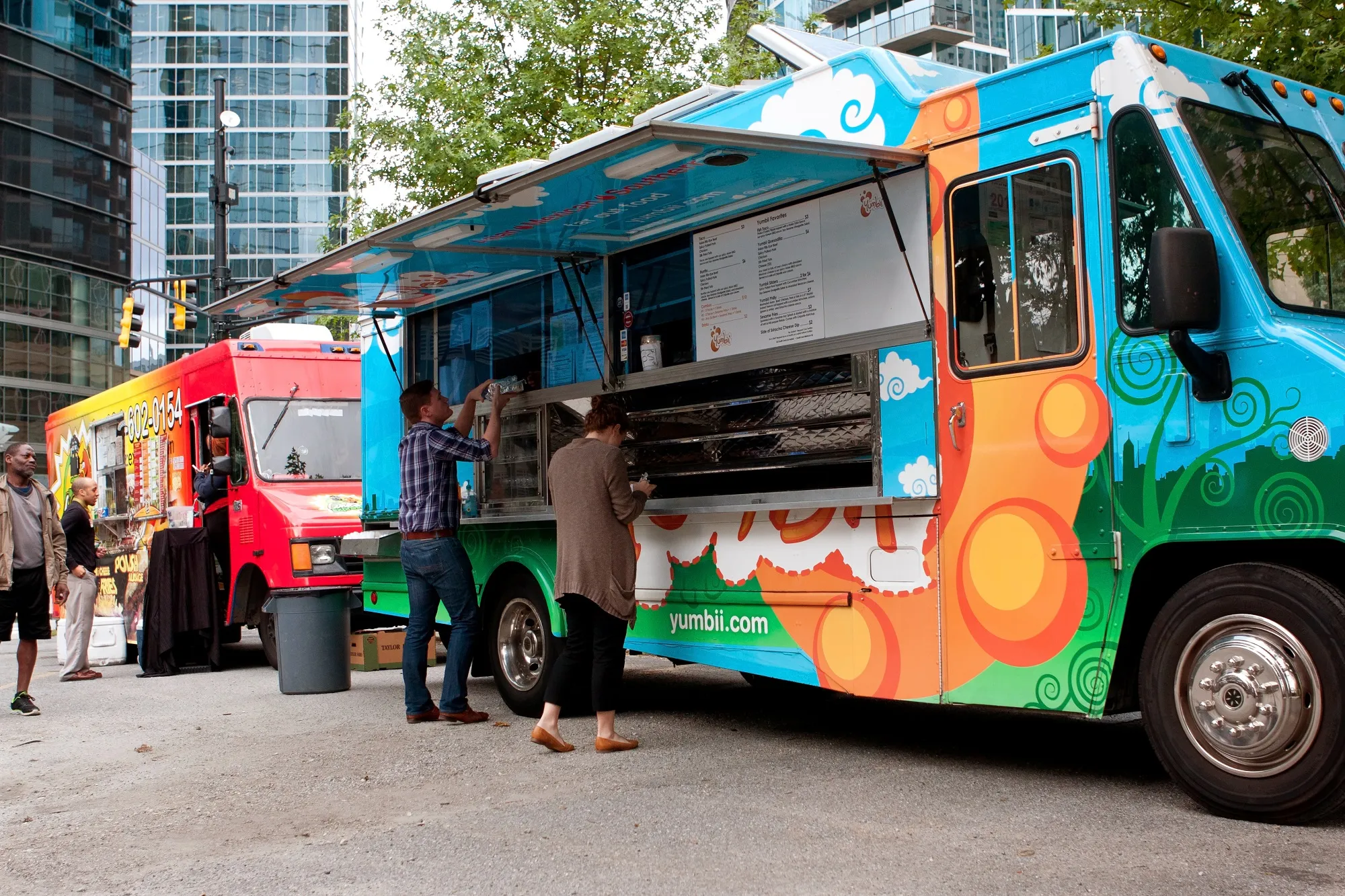
Running a food truck is nothing like running a brick-and-mortar restaurant. You’re working in a tight space, dealing with spotty WiFi at every new location, juggling cash and Venmo payments during a lunch rush, and trying to reconcile everything at the end of a long day in a parking lot.
Most POS systems weren’t built for any of that.
I run Lil Mama’s, a food truck, and I’ve tested or used nearly every major POS system over the past few years. Some are great for restaurants. Some are great for retail. Very few are actually great for food trucks.
Here’s my honest breakdown of the best options in 2026, and what actually matters when you’re choosing.
What Makes a POS Different for Food Trucks?
Before we get into the systems, it’s worth understanding why food truck POS needs are genuinely different from a traditional restaurant or retailer.
You’re mobile. Every day is a new location with different WiFi, different power access, and different connectivity. A POS that requires a strong internet connection is a liability.
Your customers pay every way imaginable. At a food truck, you’ll see card payments, tap to pay, Venmo, Cash App, Zelle, and cash — often within the same hour. A POS that only handles cards is leaving money on the table.
You need fast transactions. During a lunch rush, you don’t have 30 seconds to fumble with a slow interface. Speed matters.
Your reporting needs are location-based. Unlike a store with one address, you care about which events and locations are profitable — not just overall daily sales.
You’re a one- or two-person operation. You don’t have an IT department. Setup needs to be simple and support needs to actually be responsive.
According to the National Food Truck Association, there are over 35,000 food trucks operating in the United States, generating over $2 billion in revenue annually. Despite this, most POS companies still design their products with sit-down restaurants in mind.
The Best POS Systems for Food Trucks
1. Misto — Best for Food Trucks and Market Vendors
Best for: Food trucks that work multiple locations and accept Venmo/Cash App
Misto was built specifically for food trucks and market vendors by someone who actually runs a food truck. It was created out of frustration with every other option on this list — specifically the inability to track Venmo payments alongside card payments, and the lack of event-based reporting.
What makes it different:
Unified payment tracking: Card, Venmo, Cash App, and cash all tracked in one place. No more end-of-day reconciliation nightmares.
Event-based reporting: See exactly which locations and events are profitable. Compare your Tuesday downtown lunch spot vs. your Saturday farmers market in one view.
Texting and customer management built in: Collect customer contact info at the point of sale and follow up with a verified business text number. Most POS systems make you pay separately for this — with Misto it’s included.
Mobile-first design: Runs entirely on your phone. No hardware required, nothing to break or forget.
QR code manager: Manage your Venmo QR, social media links, and customer sign-up links all in one place.
The catch: Still building out its user base, so it doesn’t have years of reviews yet. But it’s the only POS on this list that was actually designed for how food trucks work.
Join the Misto waitlist here →
2. Square for Restaurants — Best Established Option
Best for: Food trucks that primarily take card payments and want a proven system
Pricing: Free plan available; paid plans from $60/month
Transaction fees: 2.6% + $0.10 per in-person transaction
Square for Restaurants is the most widely used POS in the food truck industry, and for good reason. It’s reliable, widely recognized, and has a massive support ecosystem.
What works well:
Rock-solid reliability and offline mode
Good inventory management
Strong reporting (though not event-based)
Widely trusted by customers
Large ecosystem of integrations
What doesn’t work well for food trucks:
No Venmo or Cash App integration — you’re manually tracking these separately
Transaction fees add up fast on high-volume days
Reports are time-based, not location/event-based
You’re paying for restaurant features you don’t need
Pricing reality check: On a $2,000 market day, you’re paying $52 in Square fees. Over 50 market days a year, that’s $2,600 in transaction fees alone.
3. Toast Go — Best for High-Volume Food Trucks
Best for: Established food trucks doing high daily volume with a full menu
Pricing: Starting at $0/month (with higher transaction fees) or $69/month with lower fees
Transaction fees: 2.49% + $0.15 (paid plan) or 2.99% + $0.15 (free plan)
Toast is built for restaurants, but their Toast Go handheld device is genuinely useful for food trucks. It’s purpose-built hardware that handles heat, drops, and the chaos of a food service environment.
What works well:
Excellent for complex menus with modifiers
Handheld device is durable and fast
Good kitchen display system integration
Strong loyalty and gift card features
What doesn’t work well:
Monthly fees are significant for smaller operations
Overkill for simpler menus
No Venmo/Cash App integration
Hardware required (more to carry and break)
Designed for restaurants, not mobile vendors
Best suited for: Food trucks doing $5,000+/week who need robust menu management and can justify the monthly fee.
4. PayPal Zettle — Best Budget Option
Best for: New food trucks wanting low upfront costs
Pricing: No monthly fee
Transaction fees: 2.29% + $0.09 per transaction
PayPal Zettle (formerly iZettle) offers some of the lowest per-transaction fees among the major players, and there’s no monthly fee. If you’re just starting out and primarily take card payments, it’s a solid no-commitment way to begin.
What works well:
Lower transaction fees than Square
No monthly fee
Integrates with PayPal ecosystem
Simple, easy to learn
What doesn’t work well:
PayPal’s customer service is notoriously poor (a real problem when something goes wrong at an event)
No Venmo integration despite both being PayPal-owned products
Apple Pay disappearing transaction bug has been reported by multiple vendors
Reporting is basic
5. Clover Flex — Best for Complex Operations
Best for: Food trucks with large menus and multiple staff members
Pricing: $14.95-$84.95/month depending on plan
Transaction fees: Varies by plan and processor
Clover is a powerful system with a wide app ecosystem. The Clover Flex is their handheld device that works well in mobile environments.
What works well:
Highly customizable through app marketplace
Great for complex menus and inventory
Multiple staff accounts with different permissions
Solid hardware
What doesn’t work well:
Monthly fees are significant
Can be complex to set up and learn
Locked into Clover’s payment processing (less flexibility)
Not built for mobile/market vendors specifically
6. SumUp — Best Simple Card Reader
Best for: Food trucks that want something simple with no monthly fees
Pricing: No monthly fee
Transaction fees: 2.75% per transaction
SumUp is popular in Europe and gaining US traction. It’s genuinely simple: plug in the reader, take payments. No bells and whistles.
What works well:
Extremely easy to set up
No monthly fees
User-friendly interface
Good for simple menus
What doesn’t work well:
No offline mode (a real problem at events with poor connectivity)
Very limited reporting
No Venmo/Cash App integration
Minimal inventory features
Head-to-Head Comparison
Feature | Misto | Square | Toast | Zettle | Clover | SumUp |
|---|---|---|---|---|---|---|
Monthly fee | Low | $0-$60+ | $0-$69+ | $0 | $15-$85 | $0 |
Transaction fee | Low | 2.6%+$0.10 | 2.49%+$0.15 | 2.29%+$0.09 | Varies | 2.75% |
Venmo tracking | ✅ | ❌ | ❌ | ❌ | ❌ | ❌ |
Event-based reporting | ✅ | ❌ | ❌ | ❌ | ❌ | ❌ |
Customer texting | ✅ | ❌ (add-on) | ❌ (add-on) | ❌ | ❌ (add-on) | ❌ |
Offline mode | ✅ | ✅ | ✅ | ❌ | ✅ | ❌ |
No hardware required | ✅ | ✅ | ❌ | ✅ | ❌ | ✅ |
Built for food trucks | ✅ | ❌ | ❌ | ❌ | ❌ | ❌ |
The Venmo Problem Nobody Talks About
Here’s something that doesn’t get enough attention: at most food trucks and market setups, 30-50% of payments come through Venmo or Cash App.
Every major POS on this list except Misto treats these payments as invisible. They don’t appear in your sales reports. You track them separately, manually, usually by screenshotting transactions at the end of the day.
Over a year of weekly markets, that’s hundreds of hours of manual reconciliation — and real money lost when payments slip through the cracks.
According to Venmo’s own data, Venmo processed over $244 billion in payment volume in 2023. The idea that a POS system for food trucks wouldn’t integrate with this is genuinely baffling, but it’s the reality of an industry that still designs for sit-down restaurants.
What to Look for When Choosing Your Food Truck POS
Based on conversations with hundreds of food truck operators, here are the questions that actually matter:
1. Does it work offline? Test this before you commit. Take the reader somewhere with no WiFi and try to run a transaction. Many systems that claim offline capability have significant limitations in practice.
2. How does it handle multiple payment types? Ask specifically: “How do I track Venmo and Cash App payments in your system?” If the answer is “you can’t” or “manually,” factor in the time cost of that.
3. Can I see which locations are profitable? Ask for a demo of the reporting. If you can’t filter sales by event or location, you’re flying blind.
4. What happens when something breaks during a market? Is there live support? How fast do they respond? What’s the backup plan? Test their support line before you commit.
5. What’s the TOTAL cost? Add up: monthly fee + transaction fees on your average volume + hardware costs + any add-ons you need. The “free” POS often isn’t free when you add it all up.
How to Switch POS Systems Without Losing Your Mind
If you’re switching from an existing system, here’s how to do it without disrupting your business:
Step 1: Export your data first. Download your full transaction history, customer list, and inventory from your current system. Even if you never look at it again, you’ll want it.
Step 2: Run parallel systems for one or two events. Use your new POS as primary and keep your old one as a backup. You’ll find the gaps you didn’t expect.
Step 3: Switch during your slow season. Don’t overhaul your payment system the week before your biggest market of the year.
Step 4: Train for the rush. Practice running transactions fast before you’re standing in front of a lunch rush. Speed matters.
For more guidance on switching POS systems, the Small Business Administration has helpful resources on managing business operations and technology transitions.
The Bottom Line
If you’re a food truck operator who primarily takes card payments and wants a proven, reliable system: Square is still a solid default.
If you’re a food truck operator who deals with Venmo payments, works multiple locations, and wants actual event-based data on what’s working: Misto was built for you.
The best POS for your food truck is ultimately the one that saves you time, minimizes lost payments, and gives you the data to grow. For most food trucks operating in 2026, that means finding something that handles every payment type your customers actually use — and tells you which stops are worth your time.
Join the Misto waitlist and get early access →
About the Author Andrew Lund runs Lil Mama’s food truck and is the founder of Misto, a POS system built specifically for food trucks and market vendors. After years of screenshotting Venmo payments and manually reconciling sales across multiple locations, they decided to build a better solution.